Pode ser isso que você deseja:
#!/bin/bash

PROGNAME=${0##*/}

# colors:
BLUE='3[94m'
GREEN="\e[0;32m"
RED='3[91m'
BLACK='3[0m'

# program:
echo -e "${RED}${PROGNAME}: ${GREEN}Done.${BLACK}"
Editar :
Exemplo de trabalho mínimo com expect :
#!/usr/bin/expect -f

# colors:
# BLUE='3[94m'
# GREEN="\e[0;32m"
# RED='3[91m'
# BLACK='3[0m'

# we need byte code. Let's get one for the blue:
# python -c "print ''.join([r'\x%x' % ord(c) for c in \"3[94m\"])"
# gives: \x1b\x5b\x39\x34\x6d
set blue "\x1b\x5b\x39\x34\x6d"

# program:
send "${blue}hello world\n"
Editar 2 :
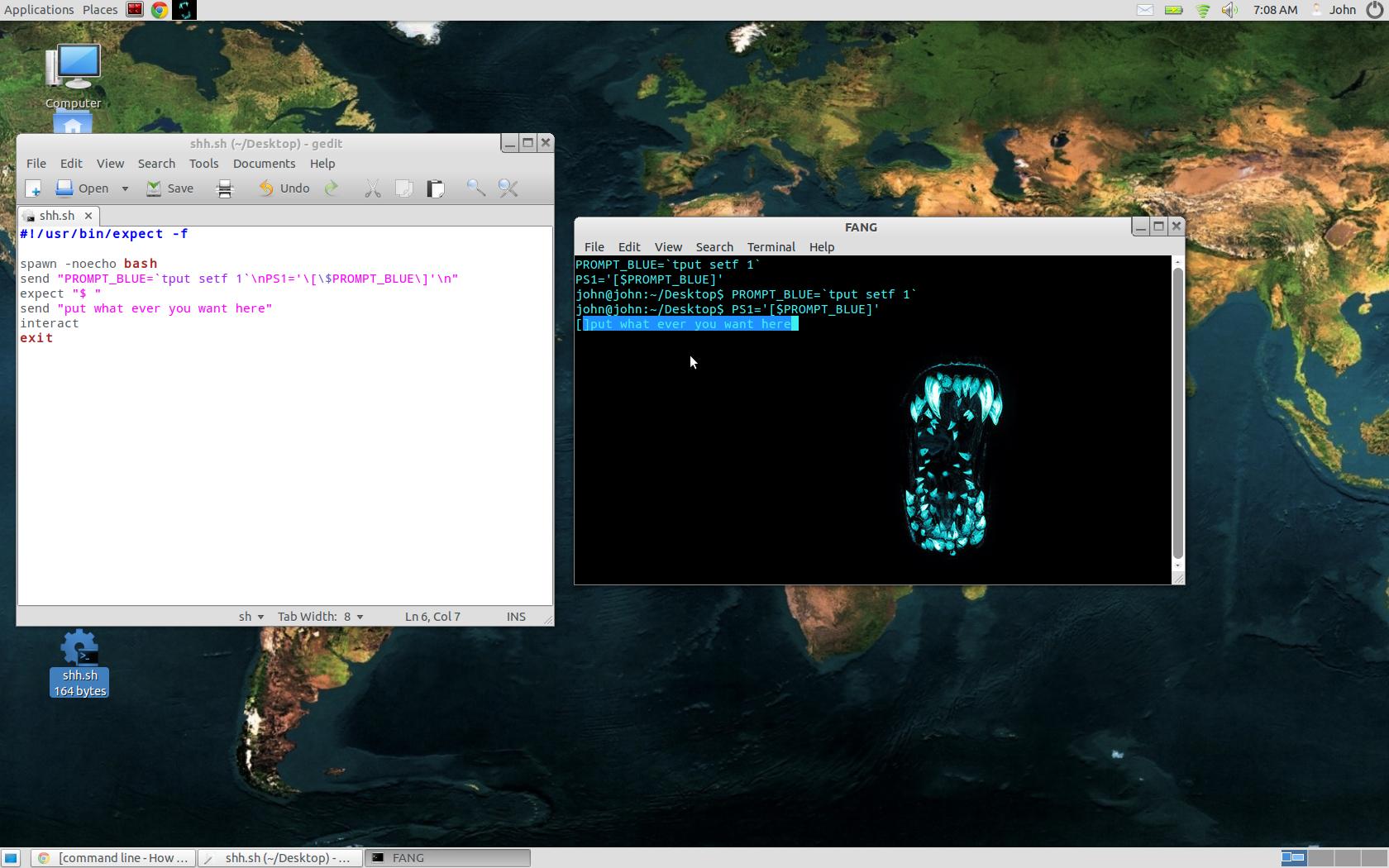
Ah, resolvi:
#!/usr/bin/expect -f

spawn -noecho bash
send "PROMPT_BLUE='tput setf 1'\nPS1='\[\$PROMPT_BLUE\]'\n"
expect "$ "
send "put what ever you want here"
interact
exit
torna todo o texto azul.